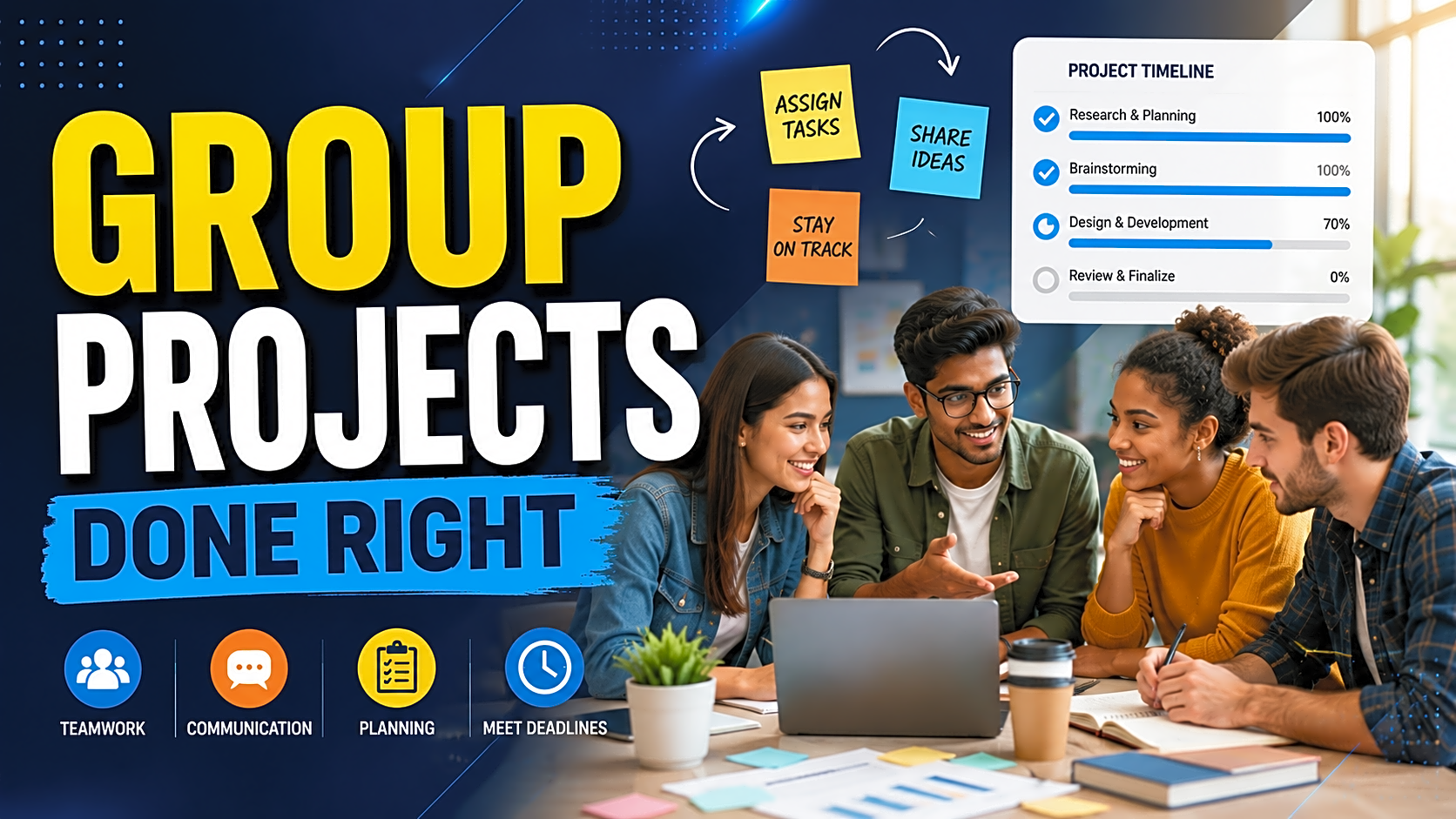
Group projects can either become your best college learning experience or your biggest final-year headache.
One student writes the report. Another handles the code. Someone forgets the deadline. One member appears only before the viva. In many student projects, the problem is not the topic or technology. The real problem is poor team management.
A group project works well when every member knows the goal, role, deadline, communication process, and final submission responsibility. Whether you are working on a B.Tech, BCA, MCA, BE, BSc IT, MSc IT, or M.Tech project, this guide will help you manage your team professionally.
Quick Answer: How to Work on Group Projects Effectively
To work on group projects effectively, start with a clear project goal, divide roles based on skills, create a realistic timeline, use one shared workspace, communicate through regular updates, track every task, maintain a contribution log, test the project early, and prepare the report, PPT, demo, and viva answers together.
A successful group project depends on four things: planning, accountability, communication, and consistent execution.
Table of Contents
- Why group projects become difficult
- Step 1: Define the project goal
- Step 2: Divide roles using a RACI matrix
- Step 3: Create a final-year project timeline
- Step 4: Use the right tools
- Step 5: Track contribution and accountability
- Step 6: Manage conflict early
- Step 7: Prepare documentation with coding
- Step 8: Test before submission
- Step 9: Prepare for group viva
- Final checklist and FAQs
Why Group Projects Become Difficult
Most students think coding is the hardest part of a group project. In reality, coordination is usually harder.
A final-year project includes topic selection, problem statement, frontend, backend, database, testing, screenshots, report writing, diagrams, PPT, demo setup, and viva preparation. If these tasks are not planned properly, the team faces duplicate work, missed deadlines, incomplete files, weak documentation, and last-minute panic.
A group project should not run on assumptions. It should run like a small academic project team with fixed roles, weekly targets, and visible progress.
Step 1: Start With a Clear Project Goal
Before writing code or designing screens, decide what the project must achieve.
For example, if your topic is an Online Examination System, clarify:
- Who will use the system?
- Will it have admin, faculty, and student roles?
- Will exams be timer-based?
- Will results be generated automatically?
- What technology stack will be used?
- What must be shown in the final demo?
This prevents scope confusion later. A simple, working, well-explained project is better than an overcomplicated project that remains incomplete.
For better topic selection, students can also explore final year project ideas before finalizing the scope.
Step 2: Divide Roles Based on Skills
Every team member should not do the same work. Divide responsibilities according to skill, interest, and availability.
|
Project Area |
Best Assigned To |
Main Responsibility |
|
Project planning |
Team leader |
Timeline, meetings, task tracking |
|
Frontend |
UI-focused member |
Pages, forms, design, user flow |
|
Backend |
Logic-focused member |
Login, CRUD, validations, modules |
|
Database |
SQL-focused member |
Tables, relationships, sample data |
|
Documentation |
Strong writer |
Report, abstract, SRS, references |
|
Diagrams |
Technical/visual member |
ER diagram, DFD, UML, flowcharts |
|
Testing |
Detail-oriented member |
Test cases, bugs, screenshots |
|
Presentation |
Confident speaker |
PPT, demo script, viva answers |
If your team is small, one person can handle multiple areas. The important rule is simple: every task must have one clear owner.
Step 3: Use a RACI Matrix for Role Clarity
A RACI matrix avoids confusion by defining who is responsible, accountable, consulted, and informed.
|
Task |
Responsible |
Accountable |
Consulted |
Informed |
|
Database design |
DB member |
Team leader |
Backend member |
Full team |
|
Login module |
Backend member |
Team leader |
Frontend member |
Full team |
|
Project report |
Documentation member |
Team leader |
All module owners |
Full team |
|
Testing |
Testing member |
Team leader |
Developers |
Full team |
|
PPT and viva |
Presentation member |
Team leader |
All members |
Full team |
Use this table before development starts. It prevents the common issue of everyone thinking “someone else will do it.”
Step 4: Create a Simple Final-Year Project Timeline
A group project without a timeline becomes a last-minute task.
|
Week |
Work to Complete |
|
Week 1 |
Topic selection, scope, modules, mentor approval |
|
Week 2 |
Database design, UI layout, project folder setup |
|
Week 3 |
Core module development |
|
Week 4 |
Testing, bug fixing, screenshots |
|
Week 5 |
Report writing, diagrams, PPT preparation |
|
Week 6 |
Demo practice, viva preparation, final submission |
If your deadline is shorter, compress the schedule but do not skip testing and documentation. Many students complete the code but lose marks because the report, screenshots, diagrams, and explanation are weak.
Step 5: Use One Shared Workspace
Do not keep project files scattered across WhatsApp chats and personal laptops. Create one shared workspace where everyone can access the latest version.
Use:
|
Tool |
Best Use |
|
Google Drive |
Reports, PPT, screenshots, diagrams |
|
GitHub |
Source code and version control |
|
Google Docs |
Collaborative report writing |
|
Trello or Notion |
Task tracking |
|
|
Quick communication only |
Create folders like:
- Source Code
- Database
- Project Report
- Diagrams
- Screenshots
- PPT
- Viva Questions
- Final Submission
For coding projects, use GitHub properly. Create branches for major modules, write clear commit messages, review changes before merging, and keep one stable final version for demo.
Step 6: Track Work With Clear Tasks
Avoid vague tasks like “work on backend” or “make report.”
Instead of writing “complete admin module,” break it into:
- create admin login page
- create admin dashboard
- add user management
- add category management
- add report generation
- test admin logout
- capture admin screenshots
Small tasks are easier to complete, review, and explain during viva.
Step 7: Maintain a Contribution Log
A contribution log helps avoid disputes about who did what.
|
Date |
Member Name |
Task Completed |
Proof/Link |
Status |
|
10 June |
Rahul |
Created login module |
GitHub commit link |
Done |
|
11 June |
Priya |
Wrote abstract and objectives |
Google Docs link |
Done |
|
12 June |
Aman |
Added database tables |
SQL file |
Done |
This is especially useful if one member is inactive. It gives the team written proof of progress and contribution.
Step 8: Communicate Regularly, Not Randomly
Good communication does not mean sending messages all day. It means structured updates.
Every week, hold one short meeting and answer:
- What did we complete?
- What is pending?
- What is blocking progress?
- What will each member finish before the next meeting?
A simple mentor update message can be:
“Sir/Ma’am, this week we completed database design, login module, and admin dashboard. Next week we will complete user modules, testing, and report screenshots. Current issue: result-generation logic needs review.”
This keeps your project guide informed and shows professionalism.
Step 9: Handle Conflict Early
Conflict is common in group projects. The problem is not disagreement. The problem is ignoring it until submission week.
Common issues include:
- one member not contributing
- poor code quality
- missed meetings
- unequal workload
- arguments over features
- confusion about final responsibility
Start by assigning small, measurable tasks with deadlines. If the issue continues, use the contribution log and discuss it with your mentor professionally. Do not fight personally in the group chat.
Step 10: Prepare Documentation Along With Code
Do not wait until the end to write the report. Documentation should grow with the project.
Prepare these sections gradually:
- abstract
- introduction
- problem statement
- objectives
- scope
- system requirements
- software and hardware requirements
- modules
- database design
- ER diagram
- DFD
- UML diagrams
- testing table
- screenshots
- conclusion
- references
If your team needs help with report formatting, diagrams, screenshots, or source-code documentation, FileMakr’s final year project report resources can support the submission process.
Step 11: Test the Project Before Final Submission
Testing is often ignored in student projects. But during the demo, even a small error can reduce confidence.
Test these areas:
- login and logout
- form validation
- database insert, update, delete
- user roles
- search and filter
- report generation
- wrong input handling
- empty field handling
- final demo flow
Create a testing table with Test Case ID, Module, Input, Expected Output, Actual Output, and Status. This makes your report more professional.
Step 12: Prepare for Group Viva Together
In a group viva, every member should understand the complete project, not just their own part.
Prepare answers for:
- Why did you choose this topic?
- What problem does your project solve?
- What technology stack did you use?
- What are the main modules?
- What database tables are used?
- What is your individual contribution?
- What are the limitations?
- What future enhancements can be added?
- How did you test the system?
Each member should also prepare a 30–60 second explanation of their role.
Final Submission Checklist
Before submitting, check:
|
Item |
Status |
|
Source code runs correctly |
☐ |
|
Database file is ready |
☐ |
|
Report is formatted |
☐ |
|
ER diagram, DFD, UML added |
☐ |
|
Screenshots added |
☐ |
|
PPT completed |
☐ |
|
Test cases added |
☐ |
|
Viva answers prepared |
☐ |
|
Demo practiced twice |
☐ |
|
Final files stored in one folder |
☐ |
Need a project file, source code, report, database, screenshots, or setup support for your group project? Explore FileMakr’s ready-to-run final-year projects with documentation and demo support.
Common Mistakes Students Make in Group Projects
Avoid these mistakes:
- starting without finalizing scope
- choosing a topic that is too complex
- depending on one member for all work
- keeping files in different places
- not using version control
- delaying report writing
- ignoring testing
- not practicing viva
- preparing PPT at the last moment
- copying content without understanding it
A good project is not only about building features. It is about presenting a complete, tested, and explainable academic solution.
FAQs
How do you divide work in a group project?
Divide work based on skills. Assign frontend, backend, database, documentation, diagrams, testing, and presentation responsibilities to different members. Make sure every task has one clear owner.
What makes a group project successful?
A group project becomes successful when the team has a clear goal, fair role division, regular communication, realistic deadlines, proper documentation, tested code, and strong viva preparation.
How do you handle a group member who does not work?
Start by assigning small, specific tasks with deadlines. Track progress in writing using a contribution log. If the member still does not contribute, discuss the issue with your mentor professionally.
Which tools are best for student group projects?
Google Drive, GitHub, Google Docs, Trello, Notion, and WhatsApp are useful. Use Drive for files, GitHub for code, Docs for report writing, and a task board for progress tracking.
How can we prepare for group project viva?
Prepare common questions, divide explanation parts, practice the demo, understand all modules, and make sure every member can explain their individual contribution clearly.
Should one person write the full project report?
No. One person can manage formatting, but all members should contribute content from their modules. This makes the report more accurate and helps everyone prepare for viva.
How do we avoid last-minute group project problems?
Start early, define scope, divide roles, track tasks weekly, maintain a contribution log, test the project before submission, and prepare report, PPT, and viva together.
Conclusion
Working on group projects effectively is all about planning, role clarity, communication, accountability, and consistency. Do not wait until the last week to divide work, write the report, test the code, or prepare the viva.
Start with a clear scope. Assign responsibilities. Track progress. Maintain documentation. Test everything. Practice the final demo as a team.
For final-year students, a strong group project is more than a college requirement. It proves that you can solve problems, collaborate with others, manage deadlines, and present your work professionally.